The Welcome Message is the initial message that a user receives from your Messenger bot. It is sent when the user interacts with the bot for the first time by clicking the ‘Get Started’ button. Please note that the Welcome Message is only supported on the Messenger channel.
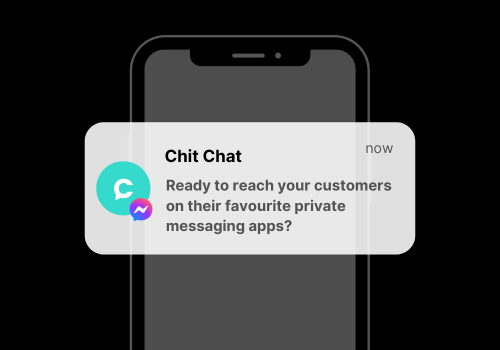
This is how it looks:
Step-By-Step Guide
To set the Welcome Message for your Messenger bot, follow these steps:
- Flow builder > Add > Name it “Welcome flow” > Create your welcome message
- Navigate to:
Settings > Channels > Messenger > Welcome Message.
Select the flow you created in Step 1.
That’s everything! Please note that not all bots require a Welcome Message, depending on your use case. However, it is generally considered best practice to include one.


