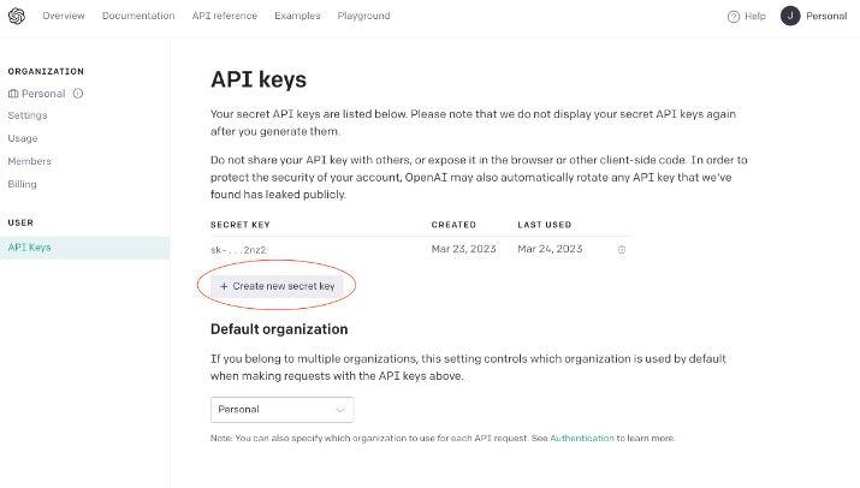
- To create an API key, start by creating an OpenAI account or signing in to your existing one. Then, go to the API key page and select “Create new secret key,” giving it an optional name if you prefer. Copy and paste your API key, as you will need it later. Ensure you save this key somewhere safe and secure.
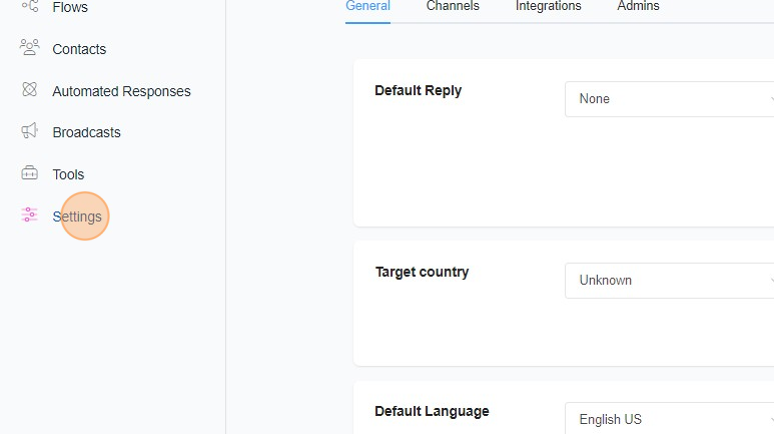
- Back on ChitChatBot.ai click “Settings”
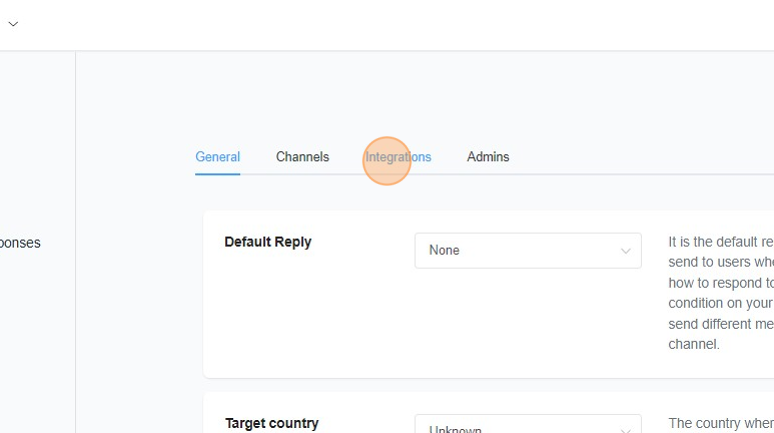
- Click “Integrations”
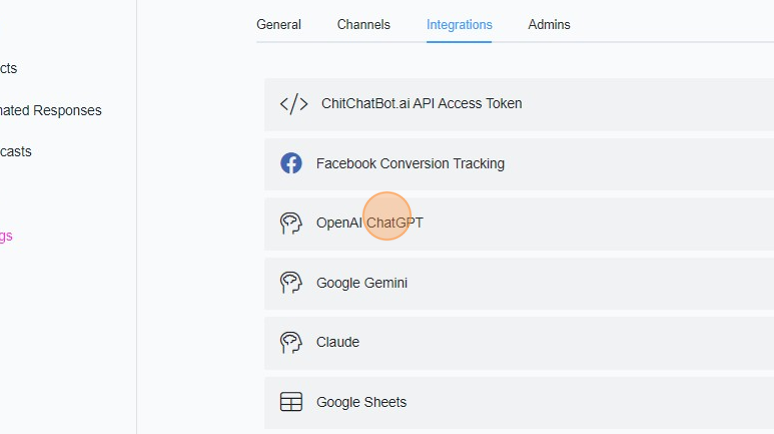
- Click “OpenAI ChatGPT”
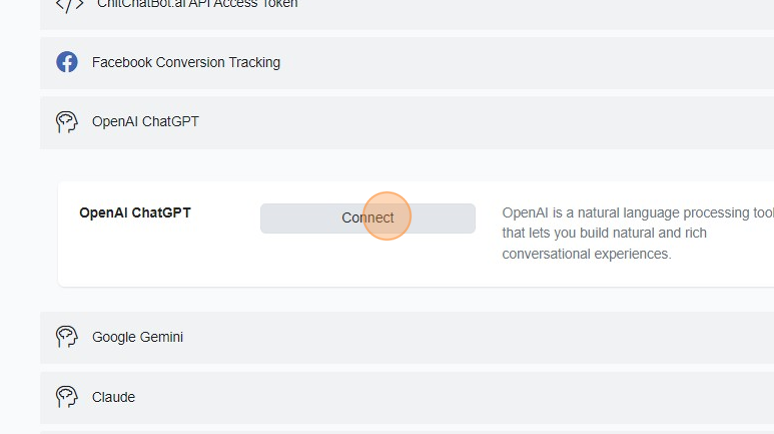
- Click “Connect”
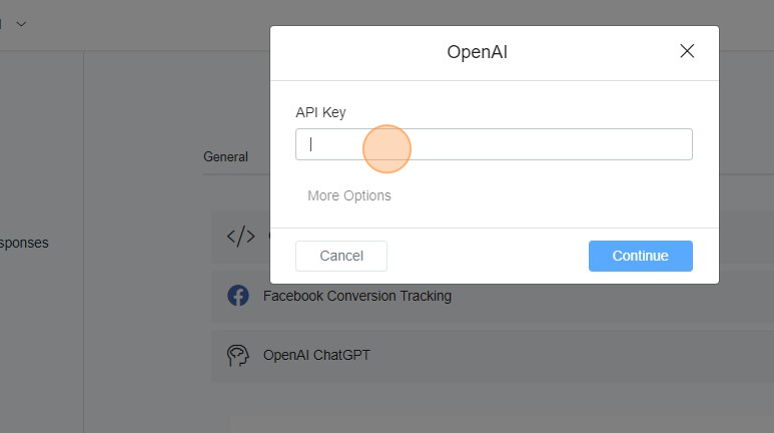
- Click the API key field
- Paste your OpenAI API key. If required, you can edit your prompt and business information at a later stage.
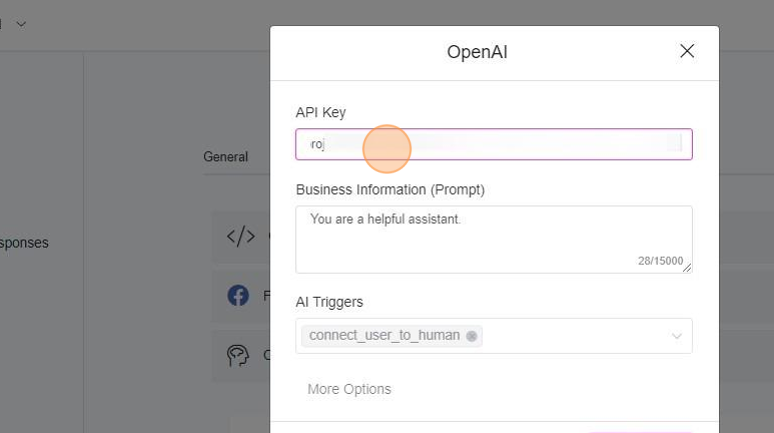
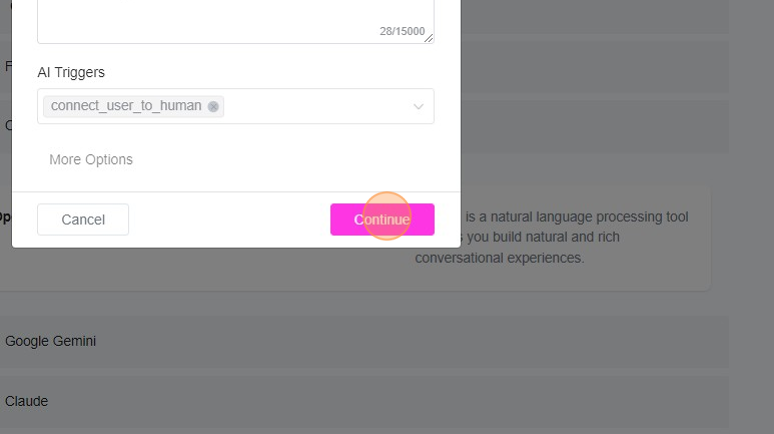
- Click “Continue” to complete the connection.