Categories are a great way to segment your products into groups, making it easier to organize your inventory in the eCommerce module of Chitchatbot.
To get started, navigate to:Chitchatbot.ai > Tools > E-commerce > Categories
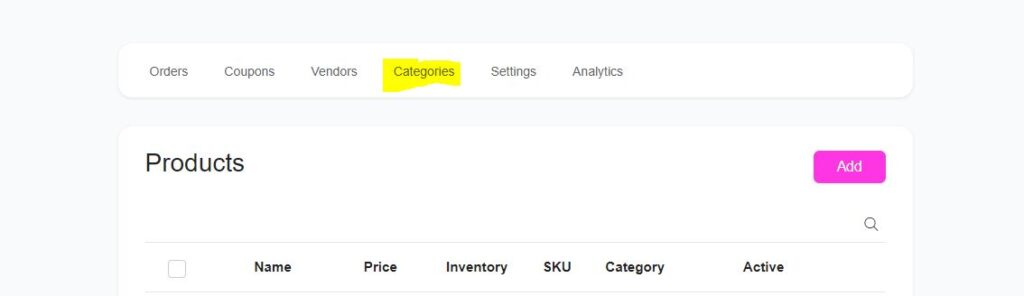
You’ll see a table listing your current categories, including the number of subcategories for each.
➕ Create a New Category
If you’re setting up your own inventory on Chitchatbot, it’s best to start by creating categories. This will make adding and organizing future products much easier!
Here’s how to create a new category:
1️⃣ Click the “Add Category” button above the table.2️⃣ Enter the category name.3️⃣ Upload an image for the category.4️⃣ Set a rank to control how the category is displayed when there are multiple categories.
Once you’ve entered the details, click the Continue button.
🛠️ Manage Your Categories
For each category, you can:
✅ Add subcategories✅ Remove multiple categories in bulk✅ Preview or edit a category✅ Access the submenu for each category for more options