
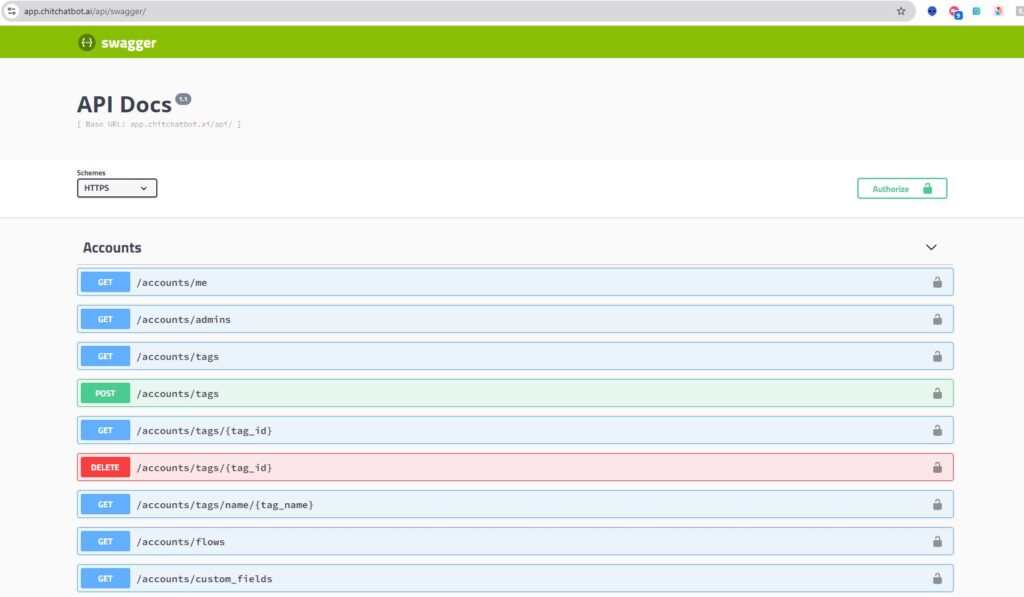
Access the ChitChatbot.ai API documentation here:
👉 API Documentation
How to Authorize and Use the API
- In the Swagger UI, look for the “Authorize” button. It’s usually located at the top or next to specific API operations.
- To get your API key:
- Go to Settings > Integrations > ChitChatbot.ai API Access Token in your ChitChatbot.ai account.
- Enter your API key in the authorization popup and click “Authorize” (or the equivalent button).
- Once authorized, Swagger UI will automatically include the required authorization headers in your API requests.
You’re now ready to interact with the secured API!
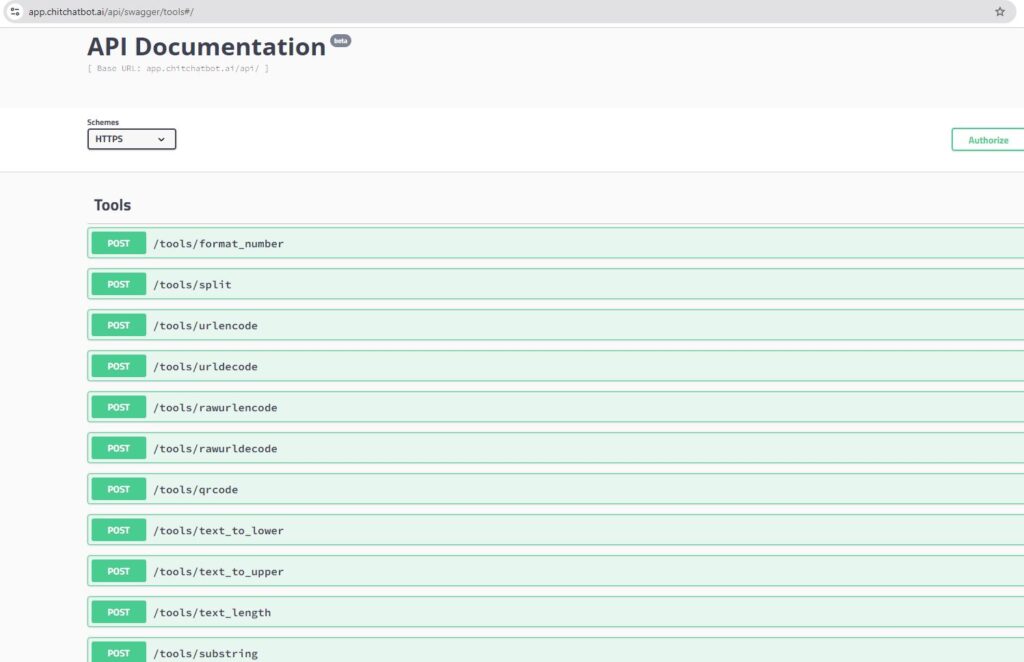
Additional API Tools
ChitChatbot.ai also offers a set of utility APIs for common tasks like:
✅ Formatting phone numbers
✅ Converting text to uppercase/lowercase
✅ And more!
You can explore these tools here:
👉 Utility APIs